Locations
Introduction
The LocationsService is the core of the Google Business Profile API. A Location represents a physical storefront or service area business. Most other resources (Reviews, Posts, Media) are attached to a specific Location.
You can access this service via client.locations.
Official Documentation
Google Business Profile: Locations API Reference
Methods
listAll(parent)
Purpose
Fetches all locations belonging to a specific account. This method automatically paginates through all results.
Syntax
async client.locations.listAll(parent: string): Promise<Location[]>Parameters
| Parameter | Type | Required | Description |
|---|---|---|---|
parent | string | Yes | The name of the account to fetch locations for (e.g. accounts/123456) |
Request Example
const accountName = 'accounts/111222333';
const locations = await client.locations.listAll(accountName);

console.log(`Found ${locations.length} locations`);
Expected Response
Returns an array of Location objects.
[
  {
    "name": "accounts/111222333/locations/444555",
    "title": "Vitabletech HQ",
    "storeCode": "HQ-01",
    "languageCode": "en",
    "primaryPhone": "+14155552671",
    "categories": {
      "primaryCategory": {
        "name": "gcid:software_company"
      }
    }
  }
]
get(name, readMask?)
Purpose
Fetches a single specific location by its resource name. Google APIs use a readMask parameter to limit which fields are returned, reducing bandwidth.
If you do not provide a readMask, the SDK automatically sets a sensible default (name,title,storeCode,websiteUri,phoneNumbers,regularHours). Any whitespace in your readMask is also automatically stripped out so you never hit invalid argument errors.
Common readMask Fields: You can pass a comma-separated list of any of the following fields:
name,languageCode,storeCode,title,phoneNumbers,categories,storefrontAddress,websiteUri,regularHours,specialHours,serviceArea,labels,adWordsLocationExtensions,latlng,openInfo,metadata,profile,relationshipData,moreHours,serviceItems
Syntax
async client.locations.get(name: string, readMask?: string): Promise<Location>Request Example
const locationName = 'accounts/111222333/locations/444555';

// Explicitly asking Google to only return the title and storefrontAddress
const location = await client.locations.get(
  locationName,
  'title,storefrontAddress'
);

console.log(location.title);
console.log(location.storefrontAddress.locality);
list(accountId, options)
Purpose
Manually fetch a paginated list of locations instead of fetching them all at once.
Syntax
async client.locations.list(accountId: string, options?: { pageToken?: string, readMask?: string }): Promise<any>create(accountId, data, options?)
Purpose
Creates a new location for the specified account. The SDK performs payload validation to ensure you provide the necessary fields before sending the request to Google.
Syntax
async client.locations.create(
  accountId: string,
  data: any,
  options?: { validateOnly?: boolean; requestId?: string }
): Promise<any>
Parameters
| Parameter | Type | Required | Description |
|---|---|---|---|
accountId | string | Yes | The ID of the account to create the location under (e.g. accounts/123456) |
data | object | Yes | The location data payload containing title, languageCode, storefrontAddress, etc. |
options.validateOnly | boolean | No | If true, the request is validated by Google without actually creating the location. Defaults to true to prevent accidental creation in production. Set to false to actually create a location. |
options.requestId | string | No | A unique request ID (like a UUID) for the server to detect duplicated requests. |
patch(locationId, data, updateMask)
Purpose
Updates an existing location. You must provide an updateMask detailing which fields should be modified.
Syntax
async client.locations.patch(locationId: string, data: any, updateMask: string): Promise<any>delete(locationId)
Purpose
Deletes a location.
Syntax
async client.locations.delete(locationId: string): Promise<void>getAttributes(locationId)
Purpose
Fetches all attributes (amenities, flags, features) for a given location.
Syntax
async client.locations.getAttributes(locationId: string): Promise<any>patchAttributes(locationId, data, attributeMask)
Purpose
Updates specific attributes for a location. You must provide an attributeMask (e.g. attributes/has_restroom,attributes/has_car_wash).
Syntax
async client.locations.patchAttributes(
  locationId: string,
  data: any,
  attributeMask: string
): Promise<any>
getMetadata(locationId)
Purpose
Retrieves the metadata associated with a location.
Syntax
async client.locations.getMetadata(locationId: string): Promise<any>getServiceItems(locationId)
Purpose
Retrieves the service items for a location.
Syntax
async client.locations.getServiceItems(locationId: string): Promise<any>updateServiceItems(locationId, serviceItems)
Purpose
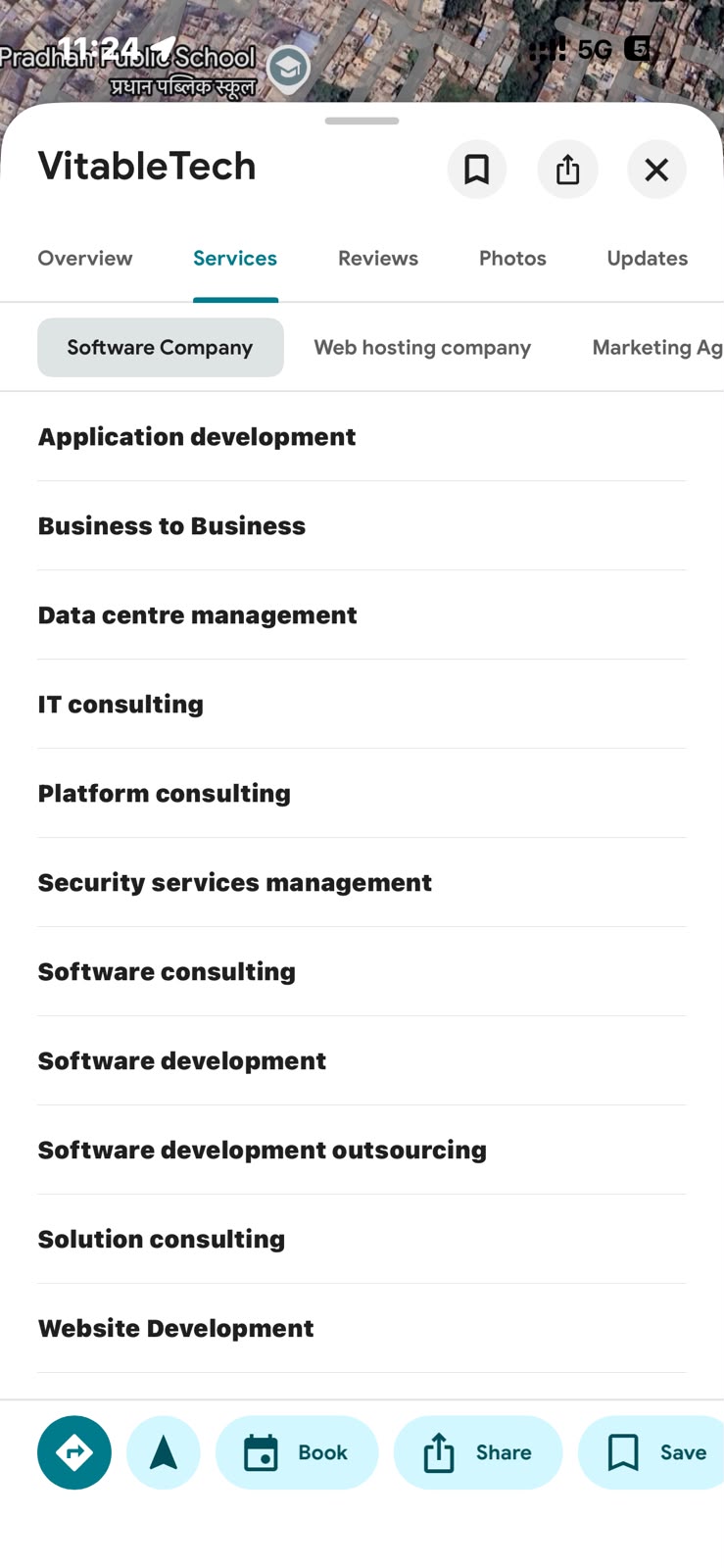
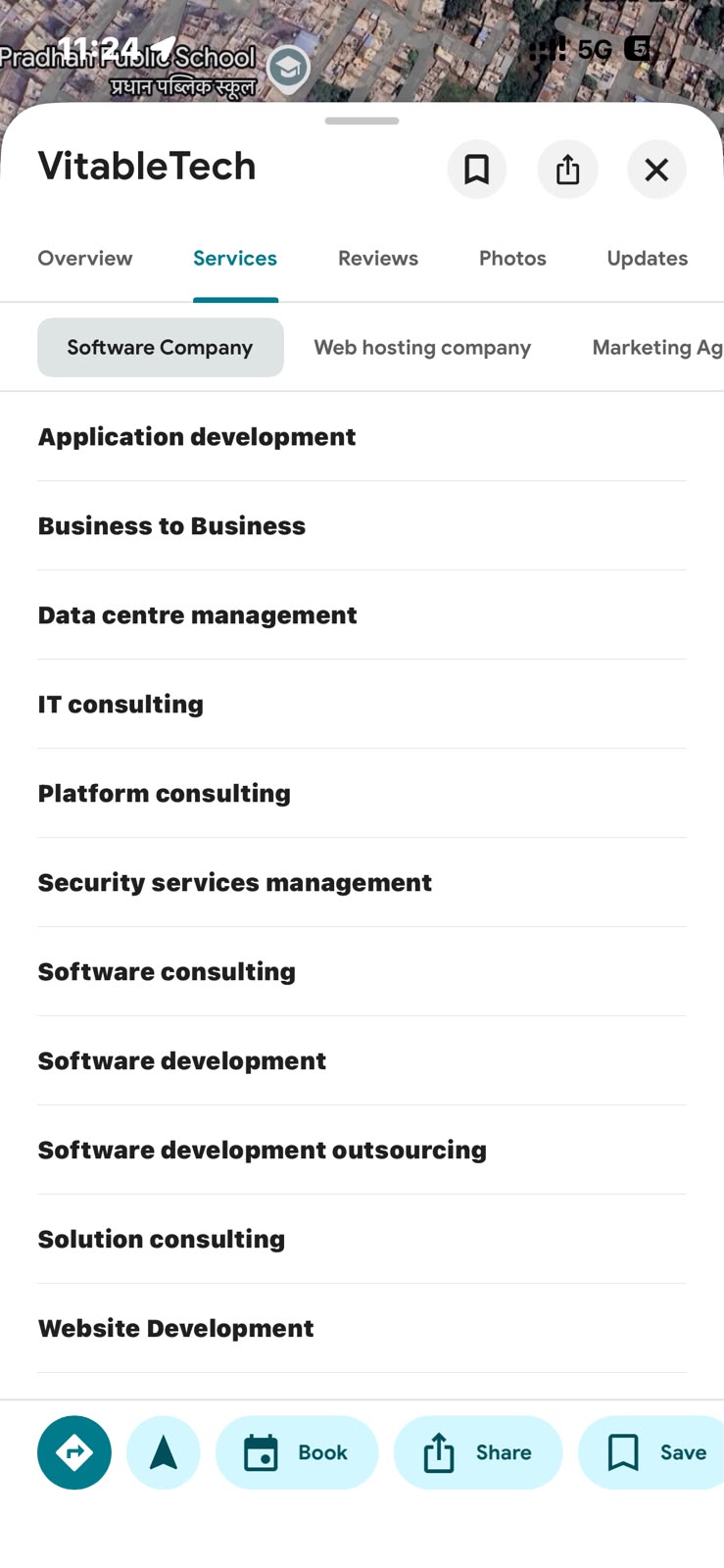
Updates the service items for a location. You must provide an array of service item objects. This controls what services are displayed on your Google Maps listing, optionally with prices.
Without Prices
With Prices
Syntax
async client.locations.updateServiceItems(
  locationId: string,
  serviceItems: any[]
): Promise<any>
Request Example
const serviceItemsArray = [
  {
    structuredServiceItem: {
      serviceTypeId: 'job_type_id:oil_change',
      description:
        'Quick engine oil replacement, filter changes, and basic fluid top-ups.',
    },
    price: {
      currencyCode: 'INR',
      units: '1500',
    },
  },
];

const updateResponse = await client.locations.updateServiceItems(
  'locations/12345',
  serviceItemsArray
);